


Practice Papers and Mock Tests
11 Plus Answer Sheets and How to Use Them
Practise matching question numbers to answer rows. See a clearly dated Trafford example and use an original printable grid that fits your practice questions.
 Elspeth Marlow
- 6 min read
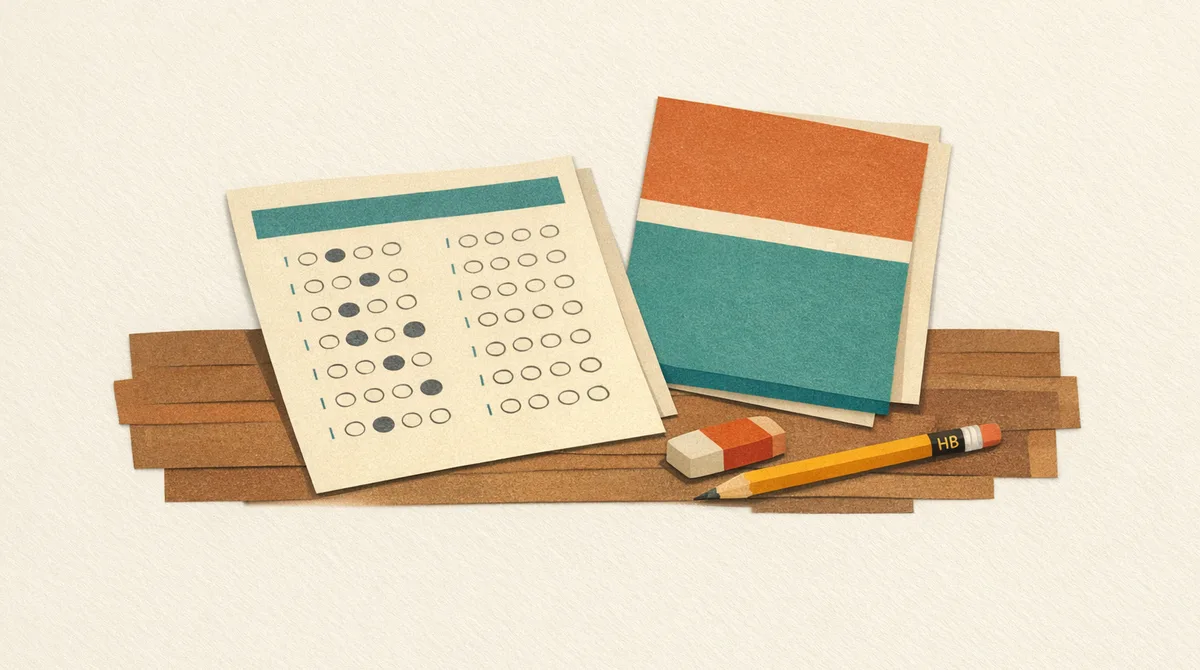
If your child’s entrance test uses a separate answer sheet, practise recording answers as well as solving questions. Start with the current instructions for their own test: the layout, marking action and correction rules can vary.
This guide uses one dated example and an original practice activity. Neither predicts the format of every 11+ paper or diagnoses why a child makes a mistake.
Check the test and entry year first
The Trafford GL familiarisation guide illustrates the GL arrangements used for 2027 entry, with the test taken in September 2026. Its copyright date is 2023; being linked by a school does not make it a newly written paper.
For 2028 entry onwards, the Trafford Consortium’s announcement names FSCE. Do not assume the earlier GL sheet will be used in the new test. Follow the new provider’s entry-year familiarisation information when available.
Kent’s preparation page describes separate computer-marked answer sheets for its 2026 sitting, while warning that its displayed familiarisation materials are from previous years as it changes provider. Some other tests use written answer spaces. Confirm the target test rather than choosing a format from the provider name alone.
What the dated Trafford sample shows
The guide describes two multiple-choice booklets, each around an hour including audio instructions. Answers go on a separate computer-marked sheet. Working can go in the booklet; it is not the marked answer record. The equipment list specifies an HB pencil, rubber and sharpener, with no scrap paper.
Its sample sheet has identity fields, separate subject sections and numbered blocks. Some example blocks interrupt the numbered sequence. Options vary between letters, phrases, words and numbers. The two maths questions have different number sets: do not assume one row’s options match the next.
A question asking for two items can still require only one mark if its options are pairs. Other sample questions require two separate boxes. Read both the question and its answer block.
For this sample, mark a thin horizontal line through the chosen box. Its correction instruction is to erase the old mark thoroughly before entering the new one. These are instructions for this sheet, not a universal rule about every multiple-choice test.
Match the number and the option
Before marking, find the printed question number on the sheet. Then read the option label. A third box may represent a letter, a word or a number; knowing its position is not enough if you are on the wrong row.
Try this original activity. It has six scored questions, a completed example, changing labels and one two-answer question:
This part of the guide is a practice answer sheet for learning how to mark answers the way the real 11+ sheet asks. It works in your browser.
The questions use small calculations and familiar words so you can focus on the recording task. A wrong answer can still come from solving the question incorrectly. The checker flags blanks and extra marks and suggests possible row slips; it cannot prove what caused a mistake or reproduce an official scanner.
A short transfer example
Imagine an original practice booklet with answers Q1 = B, Q2 = D and Q3 = A. Find numbered rows 1, 2 and 3, then mark those labels. If an example block appears between questions, read the next printed number rather than counting blocks.
After marking, compare each row with the booklet. Checking only the highest question answered and highest row marked can reveal an unfinished transfer, but matching end numbers do not prove every middle answer is correct.
Choose a practice method that fits the rules
You might record one answer at a time or transfer a small group together. Try the method using a matching practice paper and the local instructions. Keep enough time to record answers before the section closes.
Leaving an entire section’s transfer to the end creates a larger task in the final minutes. A method that works in one untimed activity may not fit a timed or separately administered section. Follow stop instructions and ask the invigilator about procedural uncertainty in the real test.
There is no required four-session programme or guaranteed number of rehearsals. Stop or take a break when needed. For more planning, see exam technique and timing.
Recover from a possible row slip carefully
During practice:
- Stop marking and check the printed question numbers.
- Find an answer you can verify in both booklet and sheet.
- Compare another row before deciding that a whole sequence has shifted.
- Change only answers you can reconstruct reliably. Do not erase your only record of an answer.
- Check the affected rows again, following the sheet’s correction instructions.
In the real test, follow its rules and the invigilator’s directions. A neighbouring answer appearing on a row is a clue to investigate, not proof that every subsequent row is wrong.
Download an original practice grid
Download three printable practice grids (PDF).
The pack contains:
- A 60-question grid with five lettered options per row.
- A 60-question grid with four lettered options per row.
- A 20-question sheet with five options for questions 1–10 and four for questions 11–20, plus suggested transfer practice.
These are original uniform grids. They do not reproduce Trafford’s changing word labels or interleaved examples. Use questions with matching numbers and option counts; the mixed 20-question sheet does not fit a paper with five options throughout. Its suggested ten-minute drill is optional, not an official test allowance.
The printable asks for line marks. Use the official sample if your test requires a different action. Do not invent candidate or school numbers for a real test; check which details the organiser supplies.
GL’s free familiarisation materials offer practice in several subjects and warn that local timings and question counts differ. Our free practice-paper guide links other sources. The paper-tests feature page describes Smart Cub Learning’s on-screen papers; it is not a promise of a printable paper with a separate answer sheet.
Before the test
Check the current equipment list, answer-marking instructions and correction method. Let your child see a relevant official sample and ask about any unfamiliar fields. On the day, listening to instructions matters more than carrying a marking habit from a different test.
Topics
- answer sheets
- gl assessment
- exam technique
- practice papers
- printables